 JP-Knob16
Keep your eyes
on the photo.
Exposure, shadows, temperature. Every time you hunt for a slider with the mouse, your eyes leave the photo. With JP-Knob16, 16 parameters are always in the same place, so you can reach the one you want while you keep looking at the photo.
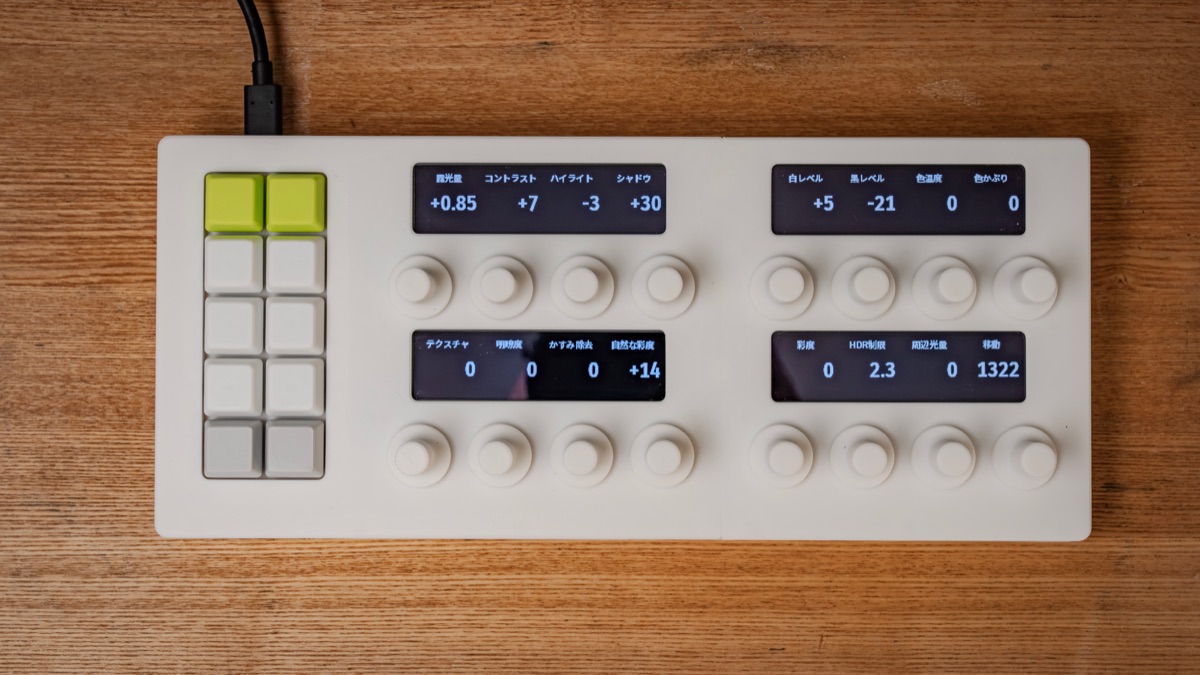
Look at the photo, and nothing else.
Editing a photo means watching it change and refining it step by step. Yet with a mouse, you have to move your eyes to a slider every time you change a parameter.
- You look at the photo and want to lift the shadows
- You search the panel for the Shadows slider
- You drag it and look back at the photo
- Next, temperature. Search for another slider…
- You look at the photo and want to lift the shadows
- You reach for the Shadows knob and turn it
- Next, temperature. Move to the next knob, eyes still on the photo
- When it looks right, press a key for the next photo
Your hands quickly learn which knob does what. When you want to check, just glance at the OLED right above the knob.
Give it a try.
Turn a knob by scrolling or dragging. The value on the OLED above it and the photo both change. The keys on the left are assigned to actions like Next Photo and Undo. The knobs have no markings or scale. The OLED shows the current value, so you can turn a knob from any position without caring which way it points.
Key assignments (demo, from top left): Previous / Next Photo · Undo / Redo · Before (while held) / ★ Rating · Reset This Knob / Reset All · Copy / Paste Settings
Your hands remember. Your eyes stay on the photo.
A tool that replaces on-screen sliders with knobs and keys that are always in the same place under your hands.
Name and value, right above the knob
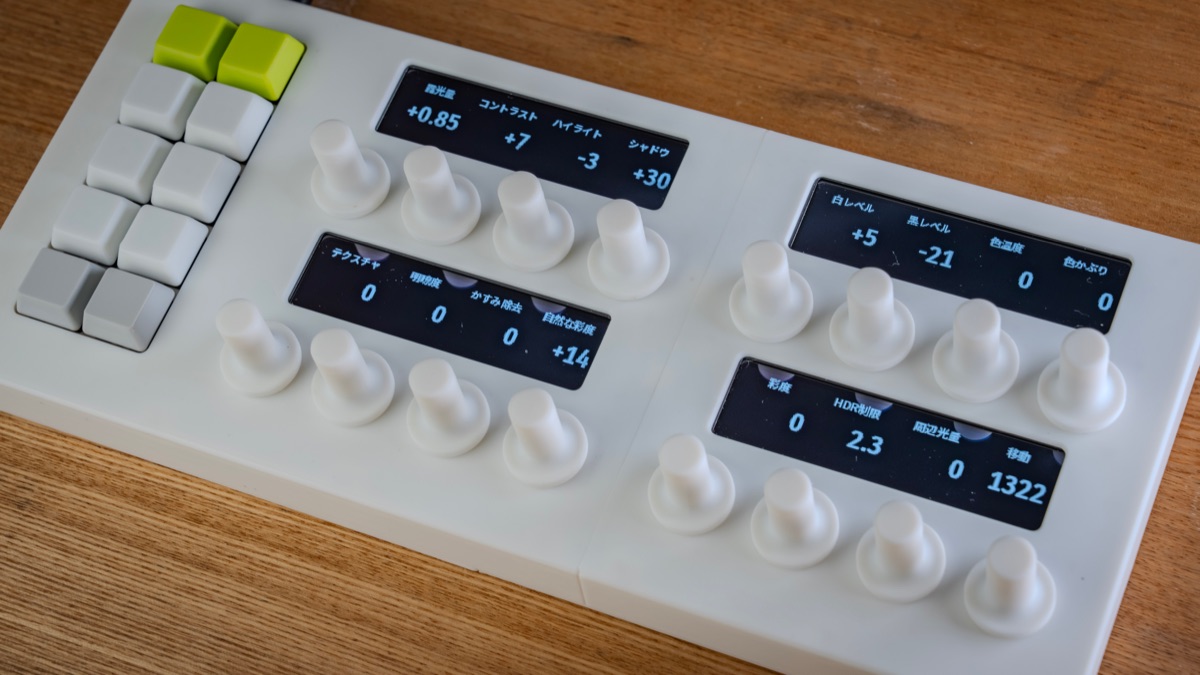
Four 3.12-inch, 256×64 OLEDs. Each one shows the names and values for four knobs, with 16 levels of gray for smooth text, Japanese labels included.
16 knobs without markings
The knobs have no position marks and no end stops. Wherever you start, they simply raise or lower the current value, so you never need to look at them. 24 detents per turn, and each knob is also a push switch.
10 satisfying keys
MX Brown switches give a light tactile bump and stay quiet. Assign your most-used actions, such as Next Photo or Undo. The sockets are hot-swappable, so you can change the switches too.
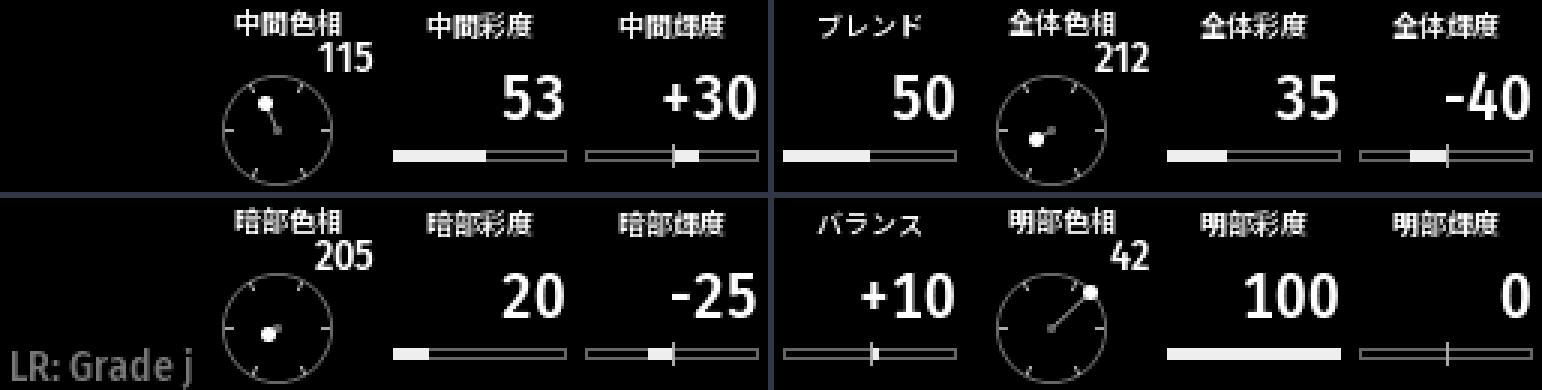
Colors shown as wheels
Not just text. For color grading, the OLEDs draw hue wheels and saturation and luminance bars, so you can see the current color as a shape.
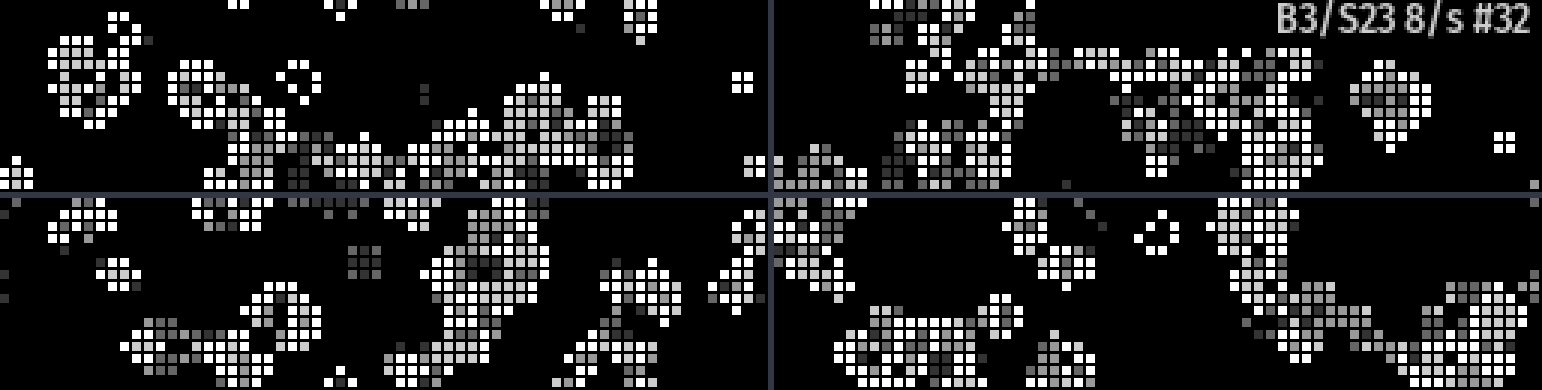
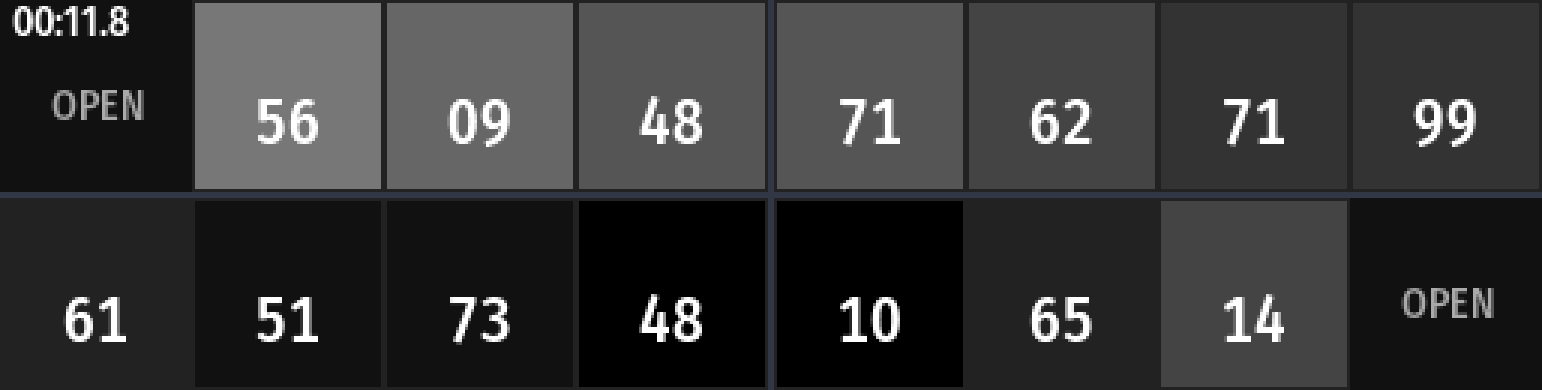
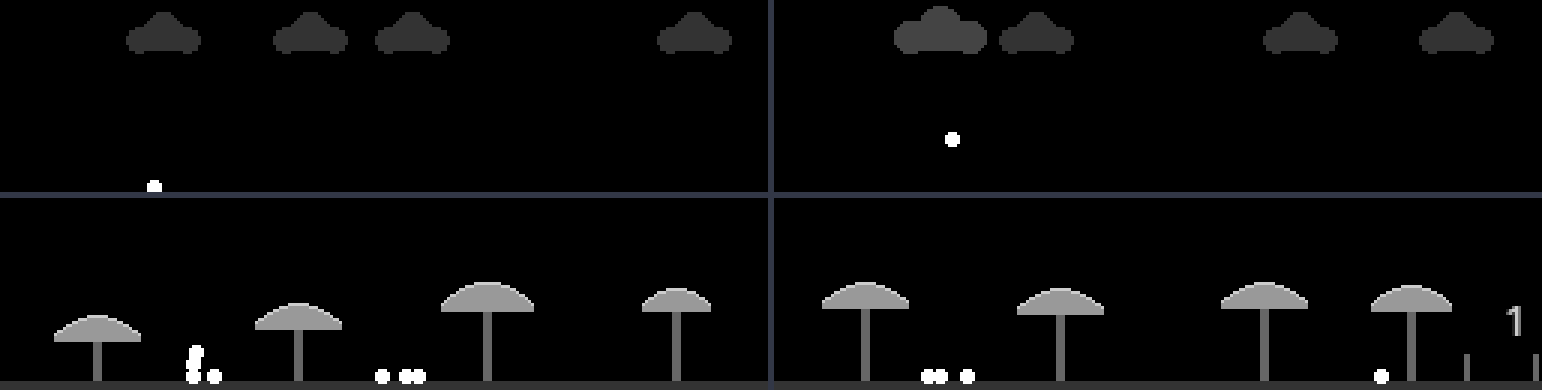
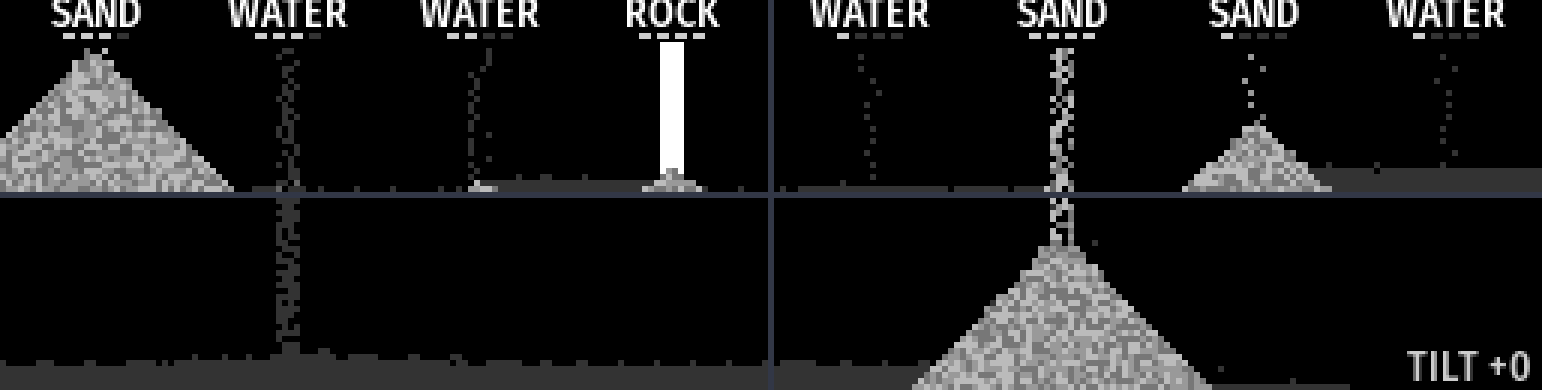
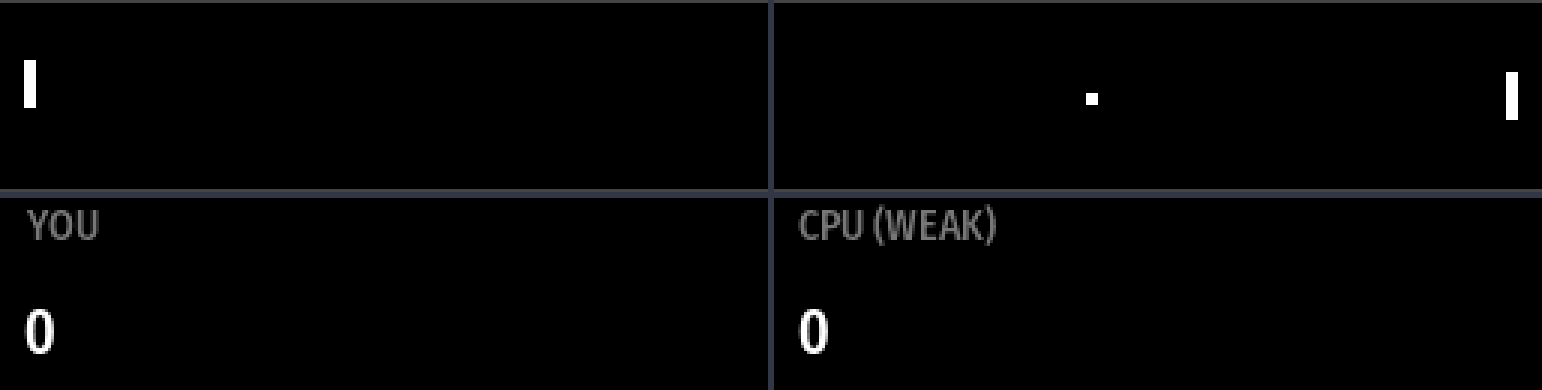
A game console while it waits
When it is not connected to an app, you can play 8 mini games with the keys: PONG, a safecracker, a reflex test, the Game of Life, a sandbox and more. They run on one wide screen made of all four OLEDs.
Just one USB-C cable
Power and data over a single USB-C cable. It follows the USB MIDI class standard, so no driver is needed.
It works together with the app.
A supported app sends parameter names and values. JP-Knob16 shows them and sends back what you do with the knobs and keys. So the numbers on screen and under your hands always match.
Sends parameter names and current values to the device.
Shows them on the OLEDs and returns knob turns and key presses to the app.
Turn knobs while watching the photo. Use the keys for frequent actions.
The prototype is working.
This is the prototype. The white case is 3D printed.
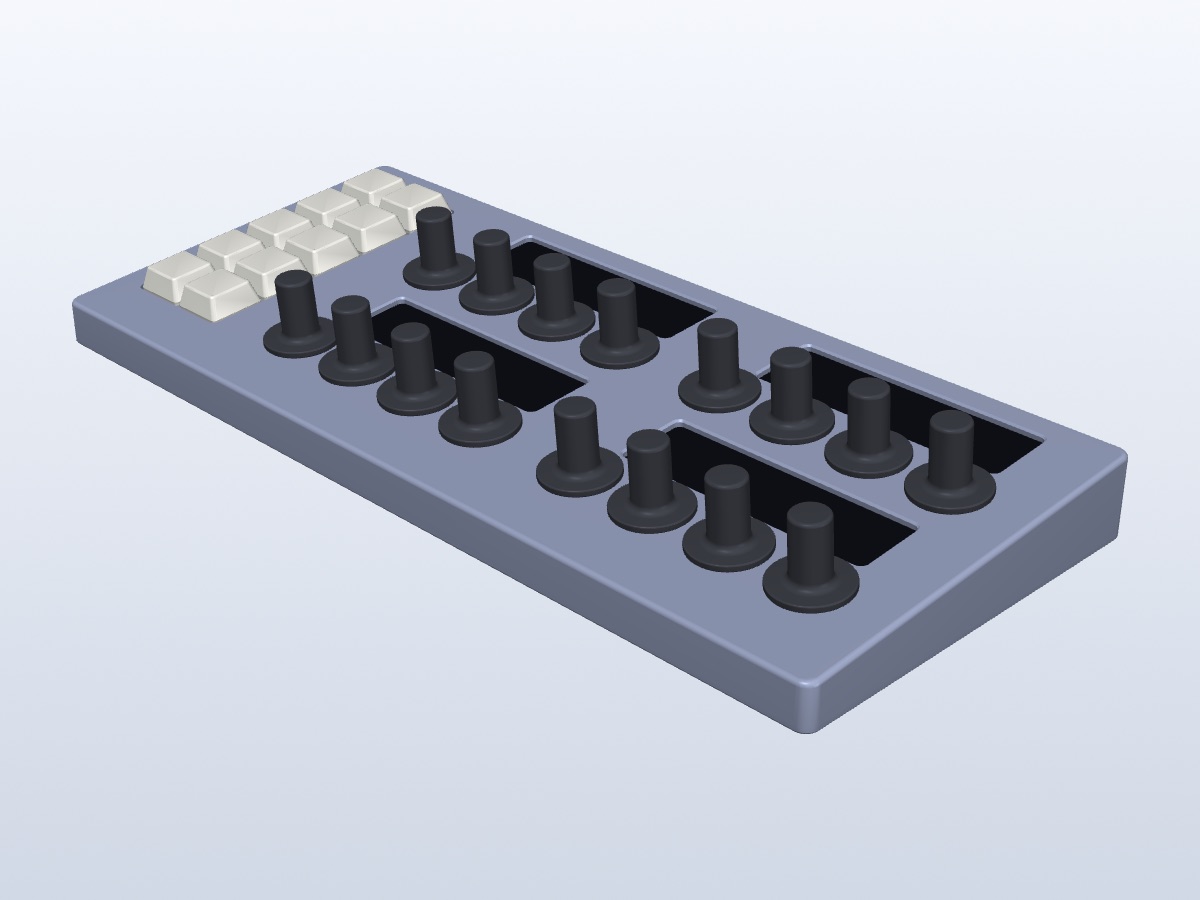
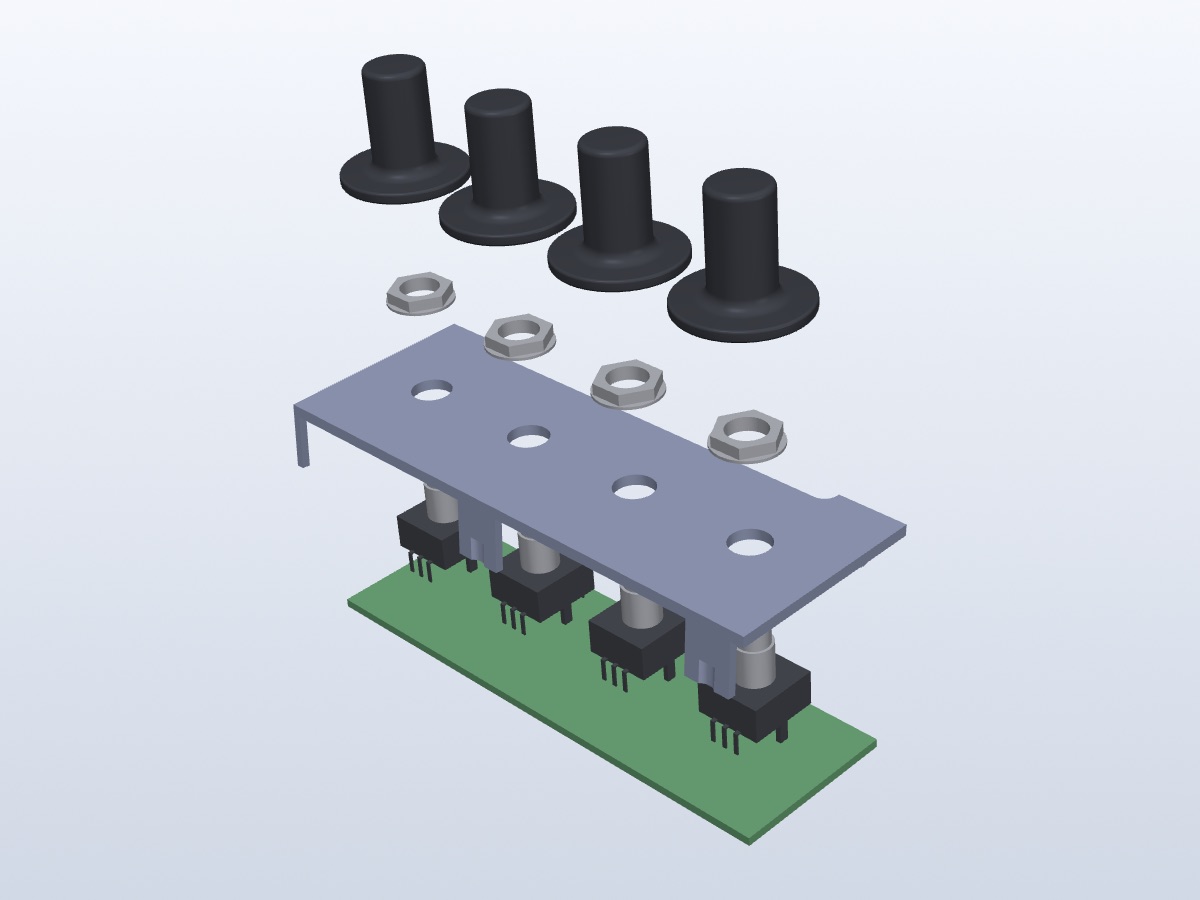
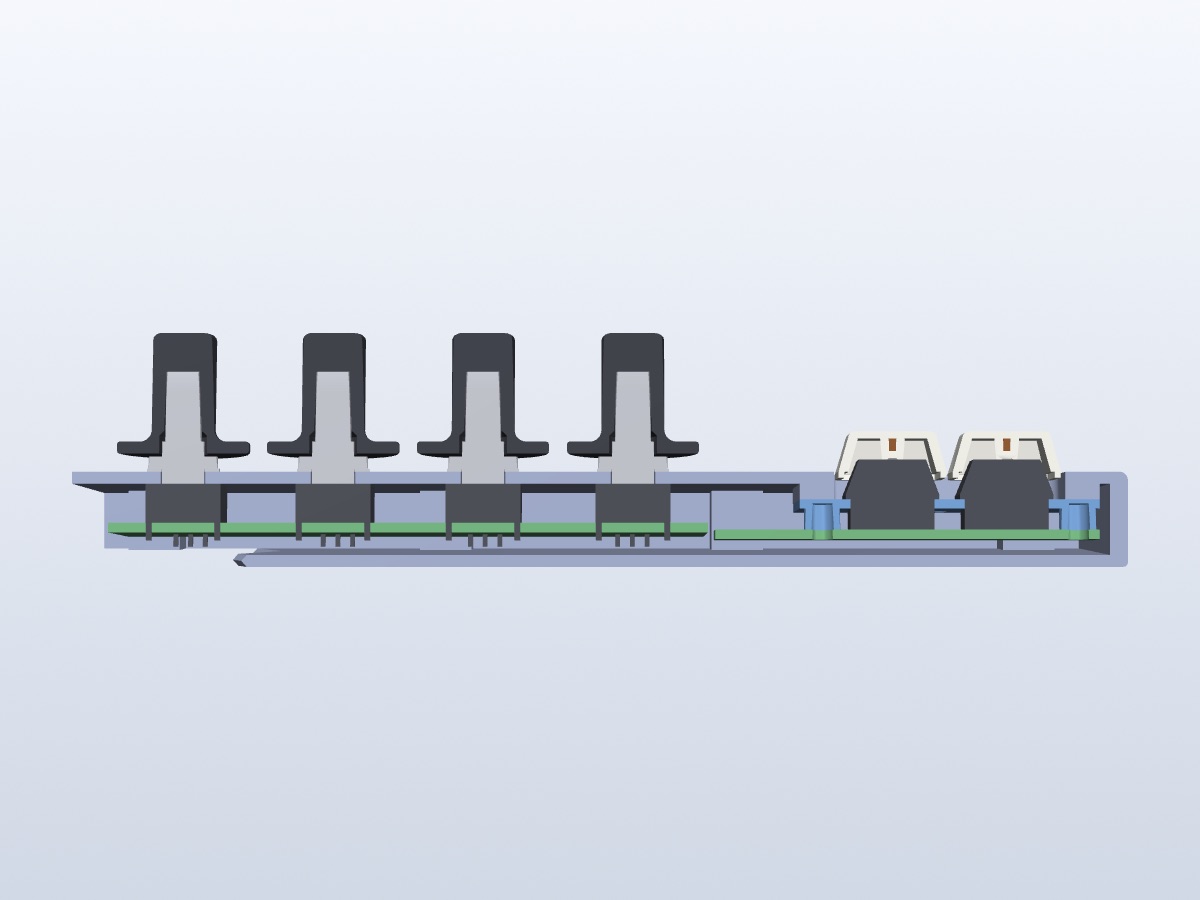
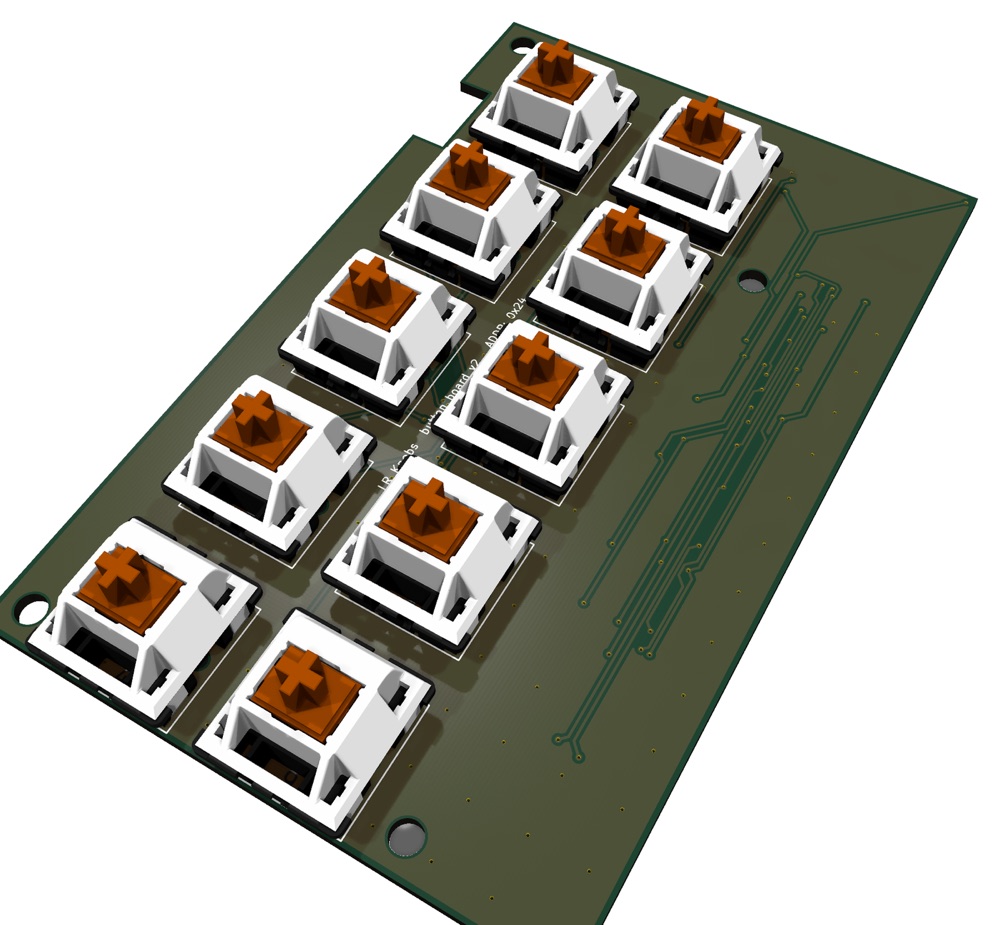
Slim, all the way inside.
The microcontroller sits on the back of the key board, which keeps the case thin. These are 3D models; colors differ from the real thing.
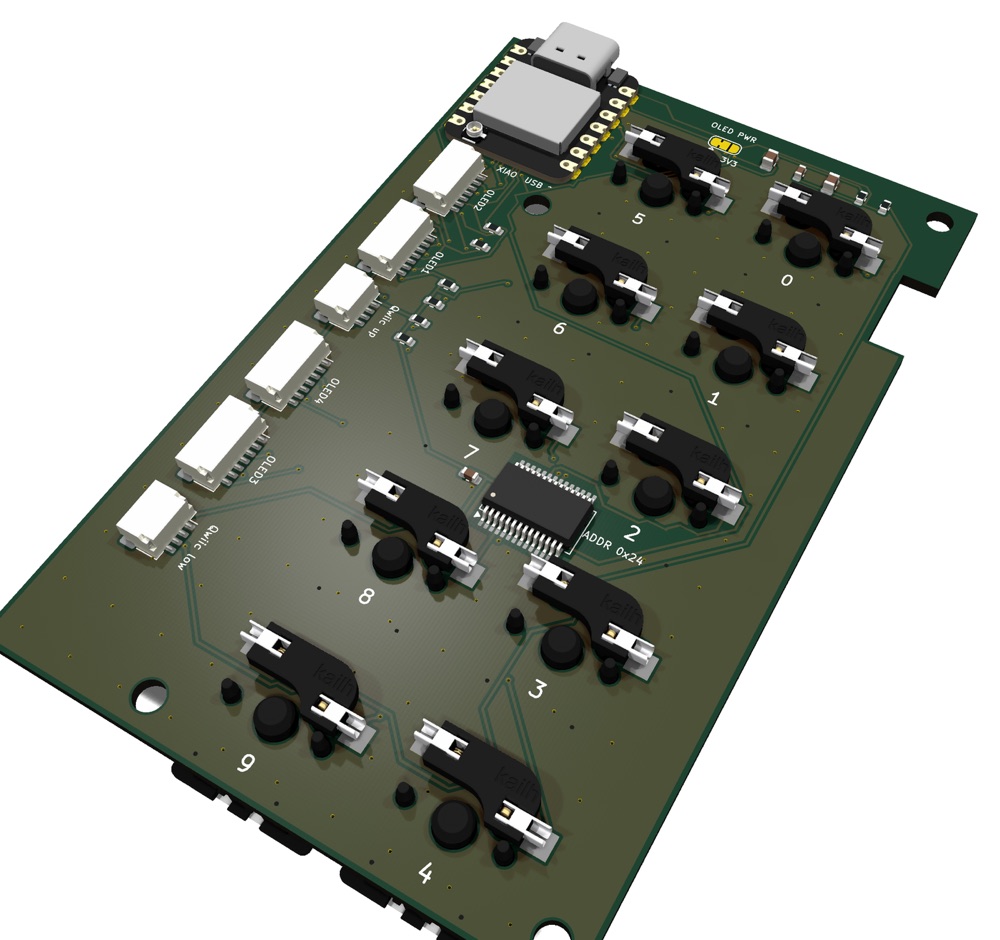
Specifications
Specifications are under development and may change.
- Knobs
- 16 rotary encoders (2 rows × 8, 24 detents per turn, with push switch)
- Displays
- 4 × 3.12-inch OLED (256 × 64, 16 levels of gray)
- Keys
- 10 MX Brown key switches (2 columns × 5 rows, hot-swappable)
Assign any action, such as Next Photo or Undo - Connection
- USB-C (USB MIDI class compliant)
- Power
- USB bus powered
- Microcontroller
- ESP32-S3
- Size
- 291 × 125 mm, 13.6 mm thick at the front and 24.5 mm at the back (design values)
- Case
- 3D printed
- Use
- On macOS, together with a supported app
Development status
The prototype works. I am now refining it to be thinner and easier to assemble.
-
01
Prototype
The OLEDs, knobs and keys all work together.
Done -
02
Boards
The microcontroller moved onto the key board, with fewer parts.
Designed -
03
Case and software
Working on the slim case and the firmware.
In progress -
04
Availability
Details will be announced once decided.
Upcoming
Price and availability
Price and availability will be announced once decided. If you are interested or would like to try one, feel free to reach out on X (formerly Twitter).
Message @junpeiwada